Elgato Game Capture
Last updated About 3 years ago
This article guides the user through the process of pushing video from Elgato Game Capture to Switchboard Cloud.
Device
- Confirm your Video Capture Device.
- Located on the right panel in the Device section under the Capture tab.

Live Streaming
- Under the Live Streaming tab, click (+).
- Choose rtmp://
- Provide a name for the account.
- From Switchboard Cloud, copy and paste the Server URL and Stream Key.
- Click Add.

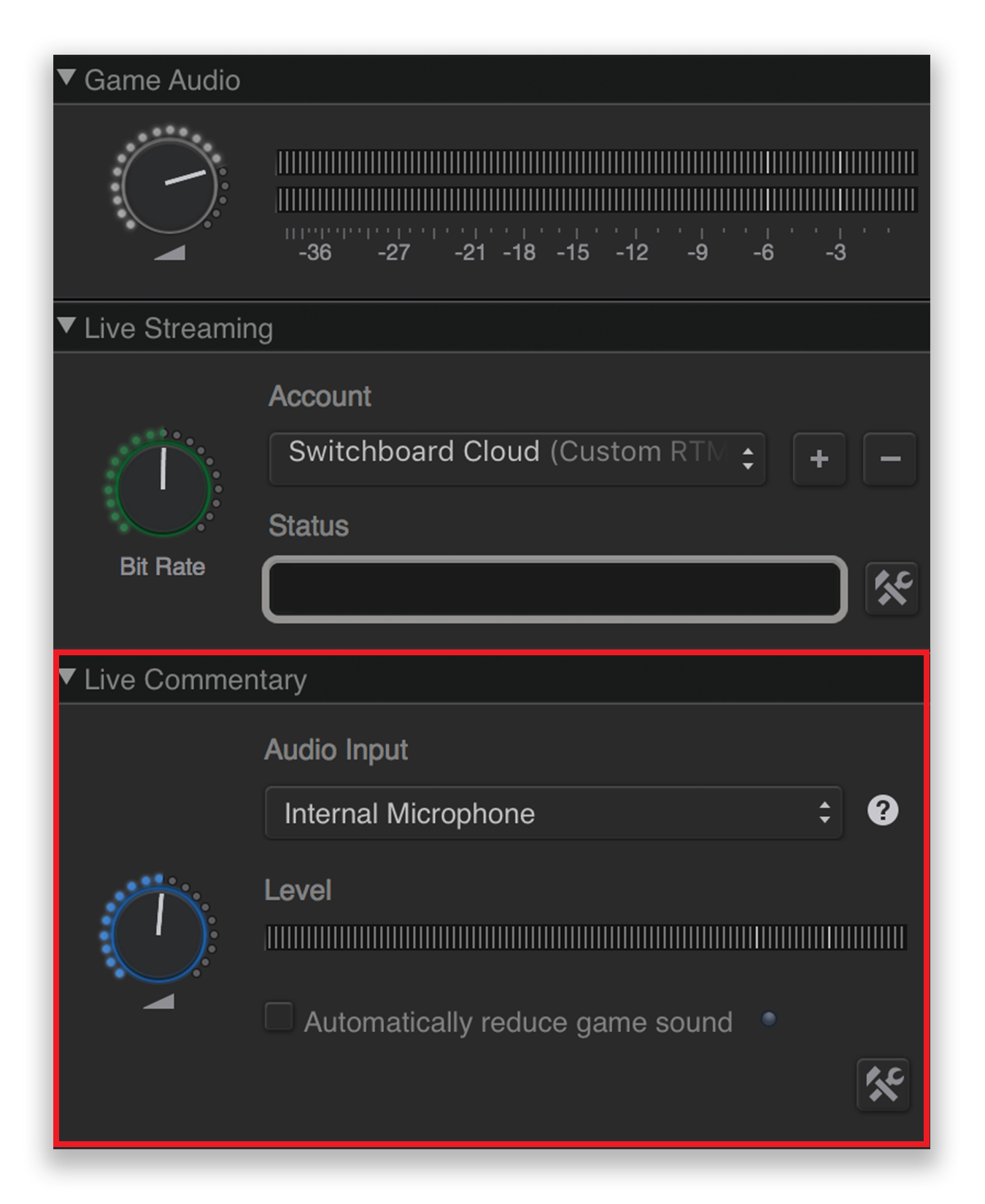
Live Commentary
- Choose your Audio Input.
- Located under the Live Commentary section of the Capture tab.
Tags
- Provide the metadata of your stream (Title, Game, Description, Tags, etc.)

Streaming
- Click Start Streaming.
