Switchboard Live: Connect Your Encoder
Learn how to connect your live streaming software encoder with your Switchboard account.
Last updated About 1 year ago
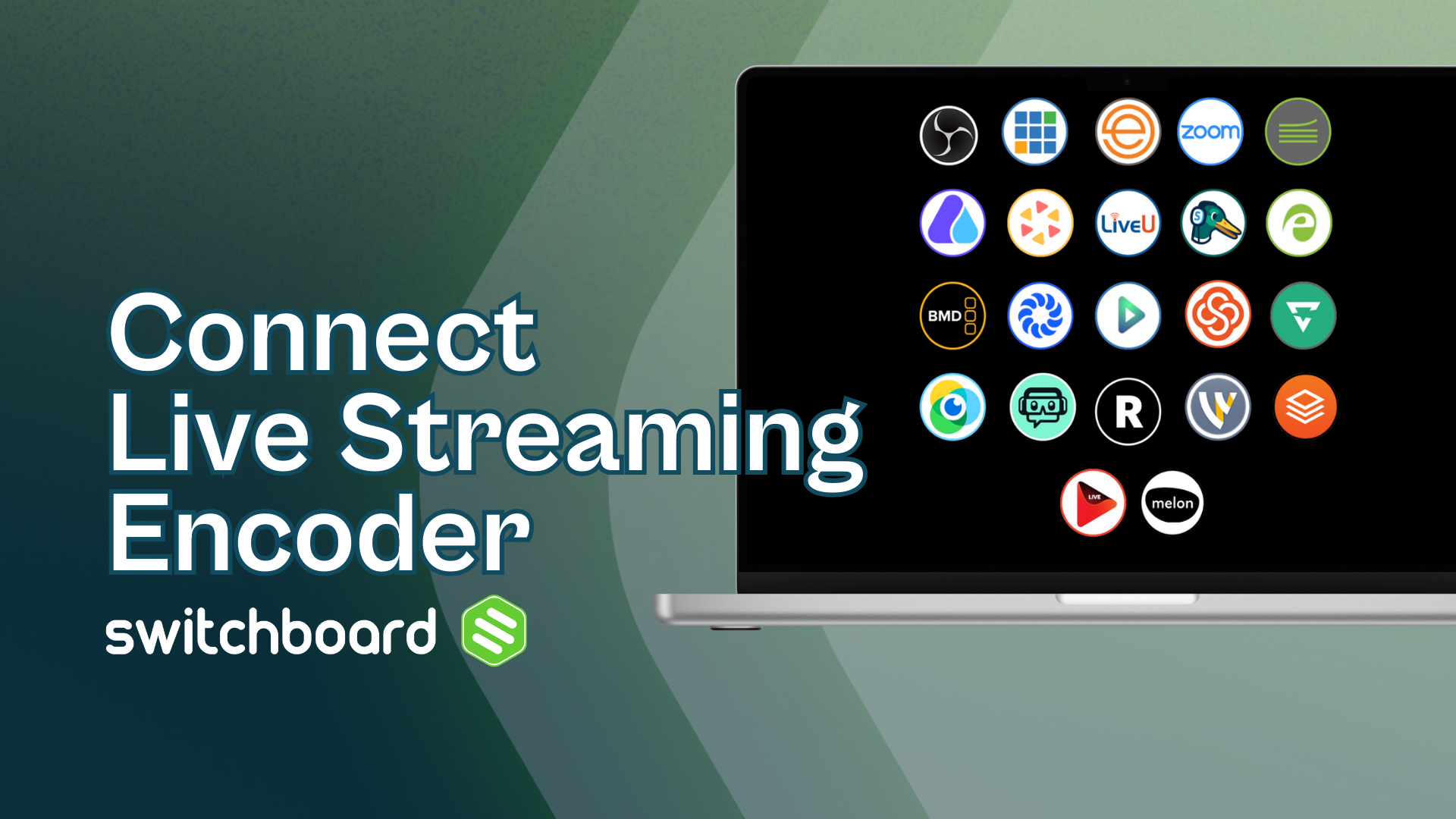
When you first sign up with a Switchboard, a default workflow is created on your behalf. Switchboard is compatible with live streaming encoders that use RTMP. Connecting is simple; you only need to grab the Stream URL and Stream Key on your Switchobard workflow and paste them into the corresponding fields in your live streaming software.
Below are links explaining how to connect your Switchboard account to your encoder (mobile, desktop, cloud, or hardware).
Click on the encoder image below to open up the support article with step-by-step instructions.
Software Encoders are downloaded and run on a computer.
Hardware Encoders are physical pieces of equipment that require software to operate.
Mobile Encoders are typically found in the app store, which you would install on your mobile device.
Cloud-based encoders are used inside your favorite web browser.