Update account details
Last updated 12 months ago
This support article provides step-by-step instructions on how to update the account details for your Switchboard account.
STEP 1
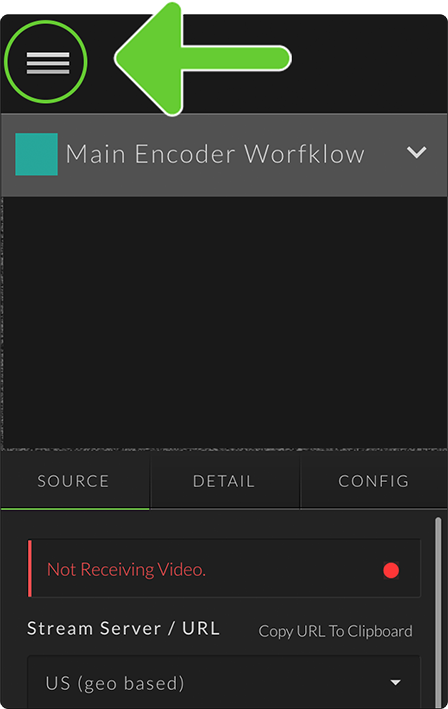
Select the Main menu located on the top left.
STEP 2
Choose Management from the fly-out menu.

STEP 3
Select Account Details.

STEP 4
Enter your first and last name, and phone number into the appropriate fields.
Press Save.

Great job! You have updated the account details for your Switchboard Cloud Account.
Check out the resources below to learn more