How to verify that I am an Admin of a Facebook Group
Last updated Over 3 years ago
Follow the steps below to learn how to verify if you are the admin of the Facebook group.
Step 1
Navigate to the Facebook Group
Step 2
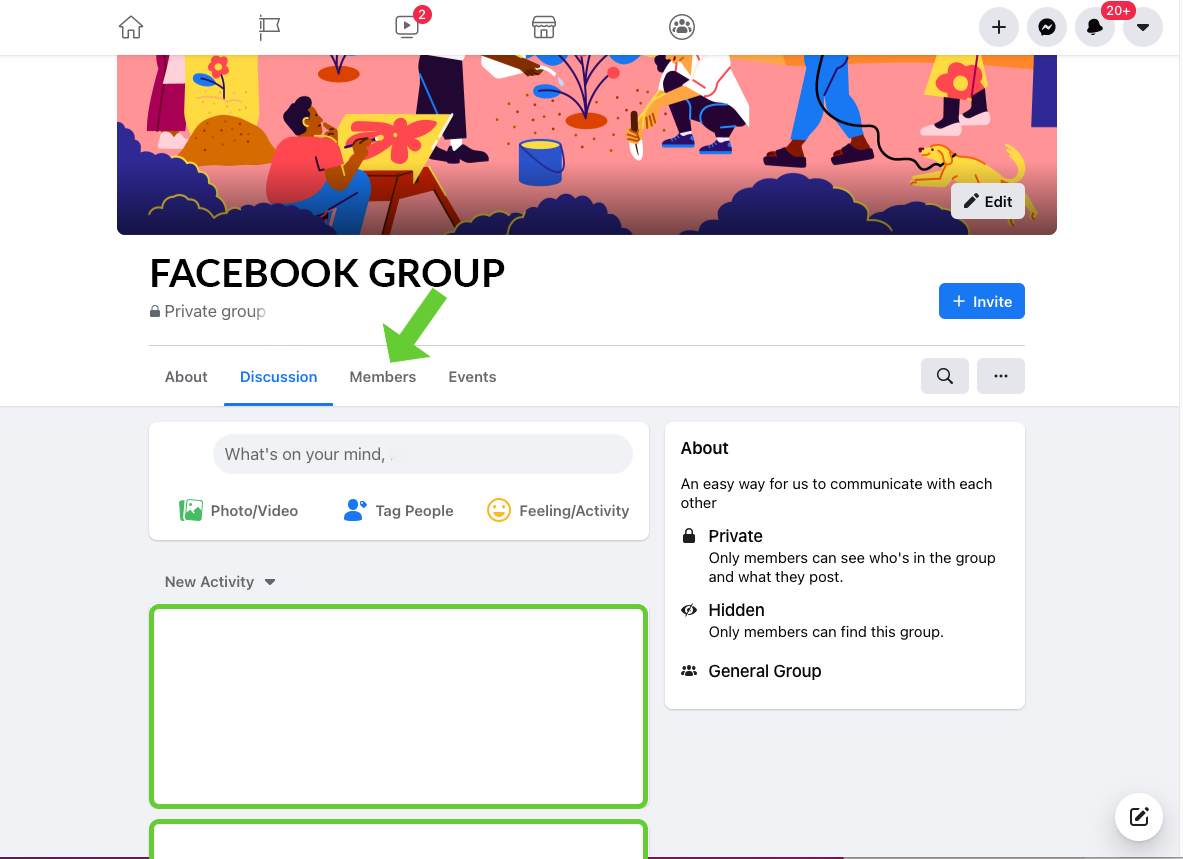
Click "Members" from under the group’s name.
Step 3
The "Admin badge" will show next to your profile image.

Useful resources to check out: